
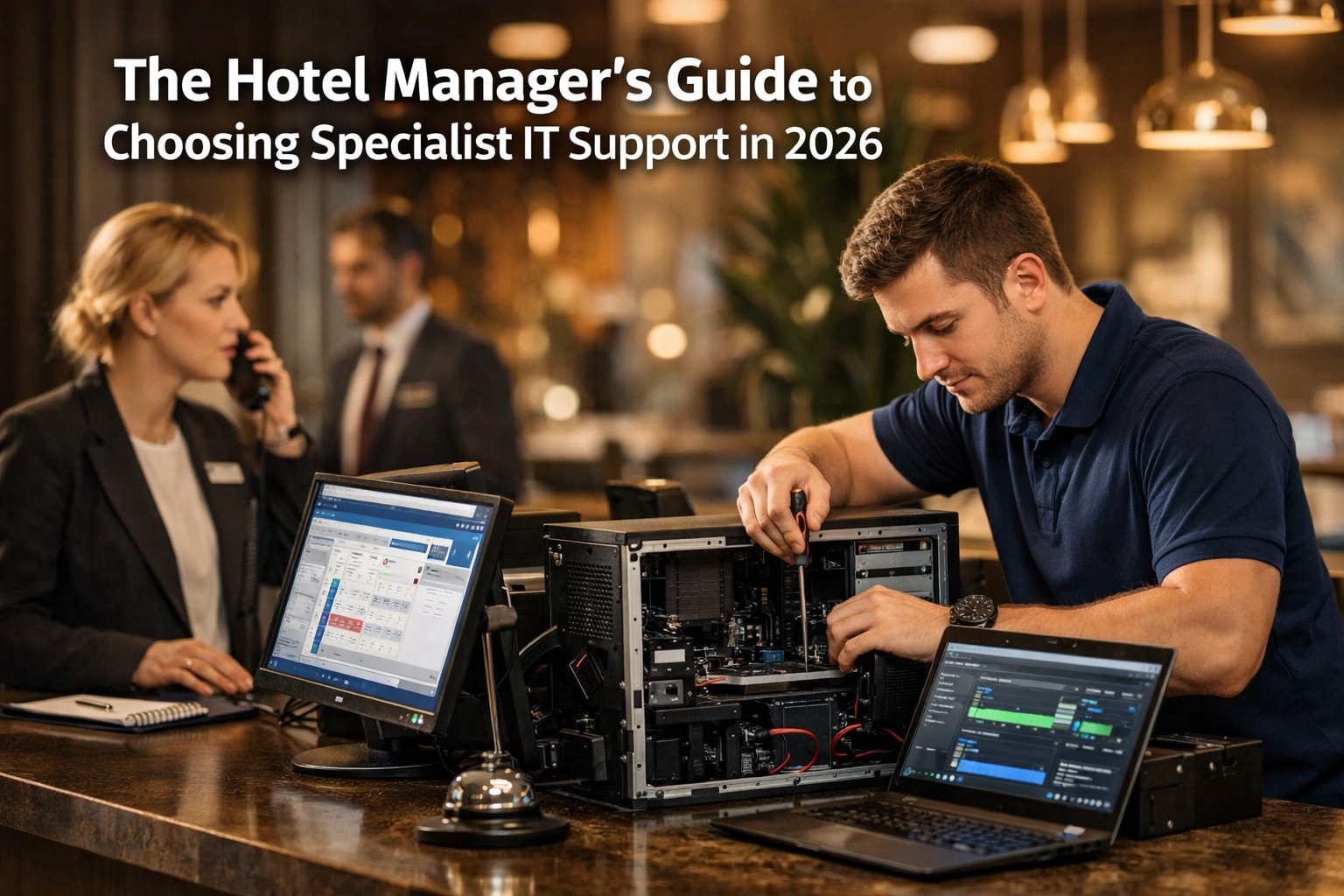
Choosing an IT support provider for a hotel is different from choosing support for a conventional office. A hotel depends on technology around the clock, often across multiple systems, suppliers and guest-facing services.
The right provider should understand not only laptops, Microsoft 365 and networks, but also how technology supports reception, reservations, payments, guest Wi-Fi, telephony, PMS, EPOS and the wider hotel operation.
The key point: specialist hotel IT support is less about knowing every hospitality product personally and more about understanding how hotel systems depend on one another, knowing how to coordinate multiple suppliers, and responding according to the operational impact on the property.
Why Hotel IT Support Is Different
A hotel is effectively a live operational environment for most of the day and night.
If a desktop computer fails in a conventional office, the impact may be limited to one employee. If a reception workstation, payment service or PMS connection fails during check-in, the issue can immediately affect staff and guests.
Hotel technology also tends to involve a much wider mix of suppliers.
Guest Systems
PMS, booking engines, guest Wi-Fi, bedroom technology and digital guest services.
Operational Systems
EPOS, payments, telephony, staff devices, networks, printing and cloud services.
Infrastructure
Internet connectivity, firewalls, switches, wireless networks, servers and cyber security.
The challenge is often not one individual technology. It is understanding where the fault sits when several systems depend on one another.
Specialist Does Not Mean One Provider Must Own Every System
Hotels frequently have specialist vendors for their PMS, EPOS, payment platform, Wi-Fi, telephony, CCTV and other systems.
A good hotel IT partner does not need to replace all of those suppliers.
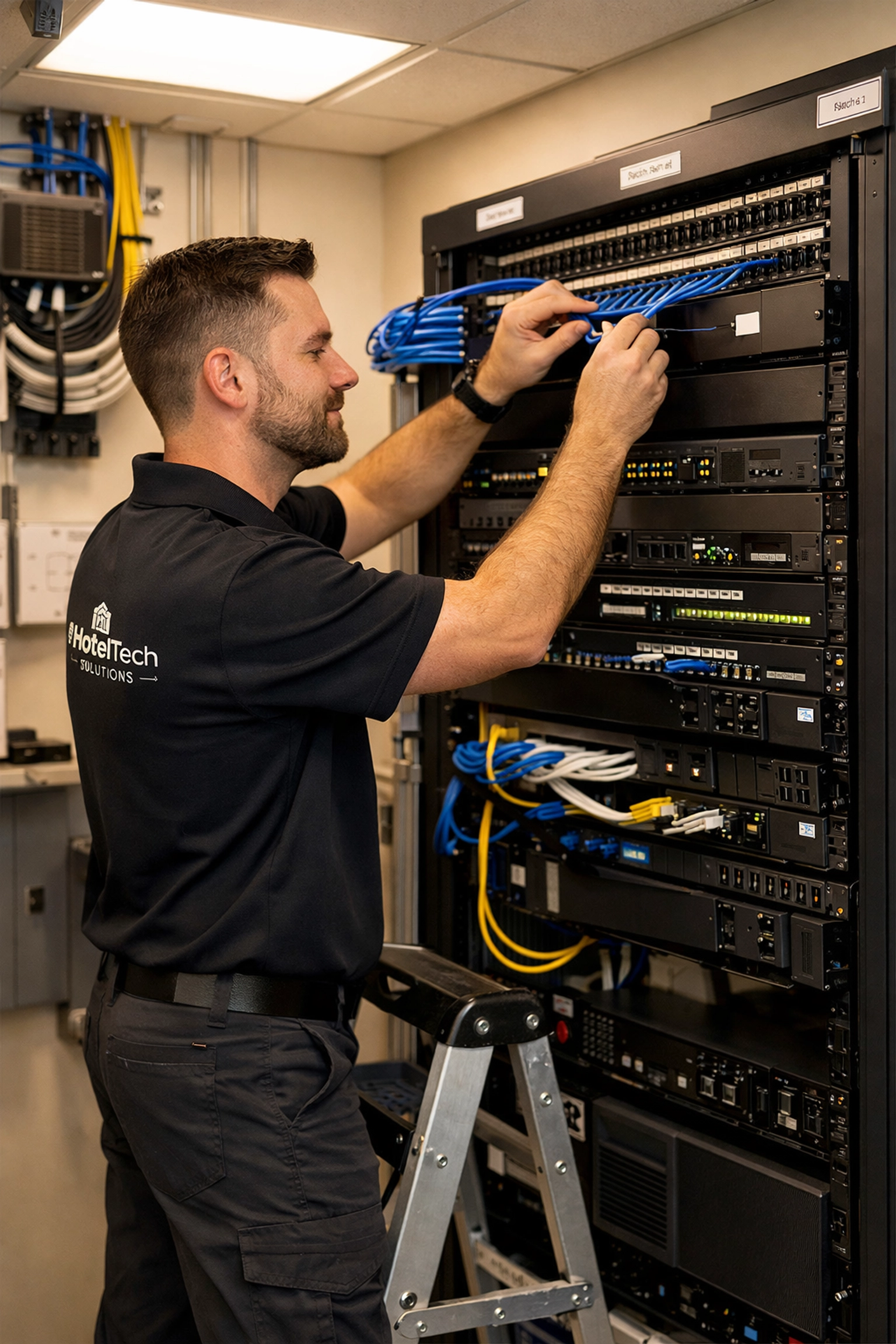
Instead, they should understand enough about the environment to identify the likely cause of a problem, gather useful diagnostic information and coordinate with the appropriate supplier.
If the PMS appears unavailable at reception, the problem might be the PMS itself, the local network, DNS, internet connectivity, a server, authentication or a third-party service. The hotel’s IT provider should help establish where the fault sits rather than immediately telling reception to call somebody else.
That ability to take ownership across suppliers is one of the biggest differences between basic IT support and effective hospitality IT support.
Start by Understanding What You Actually Need Supported
Before comparing providers or monthly prices, document the technology the hotel relies on.
This does not need to be a highly technical exercise. The aim is to understand what needs support, what is business-critical and which systems are already maintained by another supplier.
- Desktop computers and laptops.
- Microsoft 365 and email.
- Internet connectivity.
- Firewalls, switches and network infrastructure.
- Guest and staff Wi-Fi.
- Servers and local applications.
- Property Management System (PMS).
- EPOS and payment systems.
- Telephony.
- Backups and disaster recovery.
- Cyber-security tools.
- Printers and operational peripherals.
- Third-party technology suppliers and integrations.
Once that is clear, it becomes much easier to compare providers on a like-for-like basis.
1. Look for Hospitality Experience, Not Just Technical Certifications
Technical capability matters, but understanding the operational environment matters too.
A hotel manager should be able to describe an issue in operational terms and expect the support provider to understand why it matters.
For example:
- A reception workstation failure at 3pm may be more urgent than the same failure in an unused back office.
- Guest Wi-Fi performance can affect both bedrooms and conference facilities.
- A PMS integration issue may affect room charging from EPOS.
- A telephony issue may affect reception, reservations and guest bedrooms differently.
- A payment problem can have an immediate operational and revenue impact.
Ask prospective providers about hotel environments they already support and how they approach issues involving specialist hospitality systems.
2. Understand What Happens Outside Office Hours
Hotels do not stop operating at 5pm.
That does not necessarily mean every hotel needs every IT issue handled immediately at 3am, but the support arrangement should clearly define what happens when a critical system fails outside normal business hours.
What happens at 10pm on a Saturday if reception cannot access a critical system? Who answers the call, what qualifies as a priority incident and what response should the hotel expect?
The answer should be documented rather than assumed.
3. Check the Service Level Agreement Carefully
An SLA should tell you more than how quickly somebody will acknowledge a ticket.
A useful hotel IT support agreement should define different levels of priority according to business impact.
A complete loss of a critical service should be handled differently from a request to install a printer or create a new user account.
- Support hours.
- Out-of-hours arrangements.
- Priority definitions.
- Response targets.
- Escalation processes.
- On-site support.
- What is and is not included.
- Project work and chargeable services.
Do not compare SLA numbers in isolation. A one-hour response target is only useful if you understand which incidents qualify, whether it applies outside normal hours and what “response” actually means.
4. Ask Who Takes Ownership When Several Suppliers Are Involved
Multi-vendor incidents are common in hotels.
A payment terminal may depend on the network. A PMS integration may rely on another supplier’s API. A cloud phone platform depends on connectivity and local network equipment.
Without clear ownership, hotel staff can end up being passed between suppliers.
Ask prospective IT providers whether they will liaise with third-party vendors on the hotel’s behalf and how they manage incidents where the root cause is not immediately obvious.
5. Make Sure Networks and Wi-Fi Are Within Scope
Connectivity is now fundamental to hotel operations.
Guest Wi-Fi, cloud systems, payment services, telephony and staff applications can all depend on the same underlying infrastructure.
Your provider should therefore understand the network rather than treating switches, wireless access points and firewalls as somebody else’s problem.
- Firewall management.
- Network switching.
- Wireless infrastructure.
- Guest and staff network separation.
- Internet connectivity troubleshooting.
- Network monitoring.
- Configuration backups.
- Firmware and security updates.
For more detail, see our guide to hotel Wi-Fi and guest experience .
6. Cyber Security Should Be Part of the Service
Hotels hold guest and employee information and often depend heavily on email, cloud platforms and third-party services.
IT support should therefore include a clear cyber-security approach rather than treating security as an optional product added later.
Appropriate controls will vary according to the environment, but commonly include:
- Multi-factor authentication.
- Endpoint protection.
- Security updates and patching.
- Secure administrator accounts.
- Email-security controls.
- Backup and recovery planning.
- Network segmentation.
- Incident response processes.
- User-security awareness.
Hotels accepting payment cards also need to understand their responsibilities under PCI DSS. PCI DSS applies to organisations involved in payment-card processing, although the requirements that apply to a particular hotel depend on how its payment environment is structured. :contentReference[oaicite:0]{index=0}
Even where payment processing is outsourced, the hotel can retain responsibilities around its service providers and the protection of account data. :contentReference[oaicite:1]{index=1}
7. Ask How Backups and Recovery Are Managed
Having a backup is not the same as having a recovery plan.
Hotels should understand which systems and data are backed up, where those backups are held and how quickly critical services could realistically be restored.
If this system disappeared tomorrow, how would we restore it, who would perform the recovery and when was that process last tested?
Backup arrangements may involve Microsoft 365, servers, line-of-business applications, configuration backups and third-party cloud platforms, so the scope should be explicit.
8. Understand the Provider’s On-Site Capability
Remote support can resolve a large proportion of IT problems, but some hotel issues still require somebody physically on site.
Failed switches, damaged cabling, access-point issues, hardware faults and certain project activities cannot always be fixed remotely.
Ask:
- Where are your engineers based?
- Is on-site support included or chargeable?
- What is the normal process for requesting an engineer?
- Do you understand the physical network layout of the property?
- Can you support planned project work as well as incidents?
9. Look at How the Provider Handles Change
Good IT support is not only about fixing faults.
Hotels regularly change technology: new PMS platforms, telephony systems, Wi-Fi upgrades, refurbishments, new integrations, Microsoft 365 projects and new openings.
Your support provider should be able to plan these changes around hotel operations.
Identify which departments, systems and suppliers will be affected before work begins.
Agree responsibilities, timings, dependencies, testing and rollback arrangements.
Make sure hotel management and affected teams know what is changing and when.
Verify the operational workflow, not just whether the technology technically switched on.
Update system records, support information and supplier documentation after implementation.
10. Check Whether the Provider Understands Payments and PCI DSS
Hotels commonly accept payments through several channels: reception terminals, restaurants, spas, online bookings and sometimes telephone payments.
Your IT partner does not need to replace your acquiring bank or payment provider, but they should understand that payment systems have security requirements and should know when specialist advice is required.
PCI DSS provides technical and operational requirements designed to protect payment account data. It applies to merchants and other entities that store, process or transmit cardholder data, as well as environments that can affect the security of that data. :contentReference[oaicite:2]{index=2}
A good provider should therefore be cautious about how payment devices are networked, administered and supported rather than treating them as ordinary peripherals.
11. Ask What Is Actually Included in the Monthly Price
Two managed IT proposals can look similar on the front page while covering very different things.
Look beyond the monthly total and establish what is included.
- Unlimited or capped remote support.
- Users and endpoints.
- Servers.
- Network infrastructure.
- Guest Wi-Fi.
- Cyber-security software.
- Monitoring and patch management.
- Backups.
- Third-party supplier management.
- On-site engineer time.
- Out-of-hours support.
- Projects and major changes.
- Microsoft and other software licensing.
This makes it easier to compare value rather than simply comparing headline prices.
12. Ask How They Will Learn Your Hotel
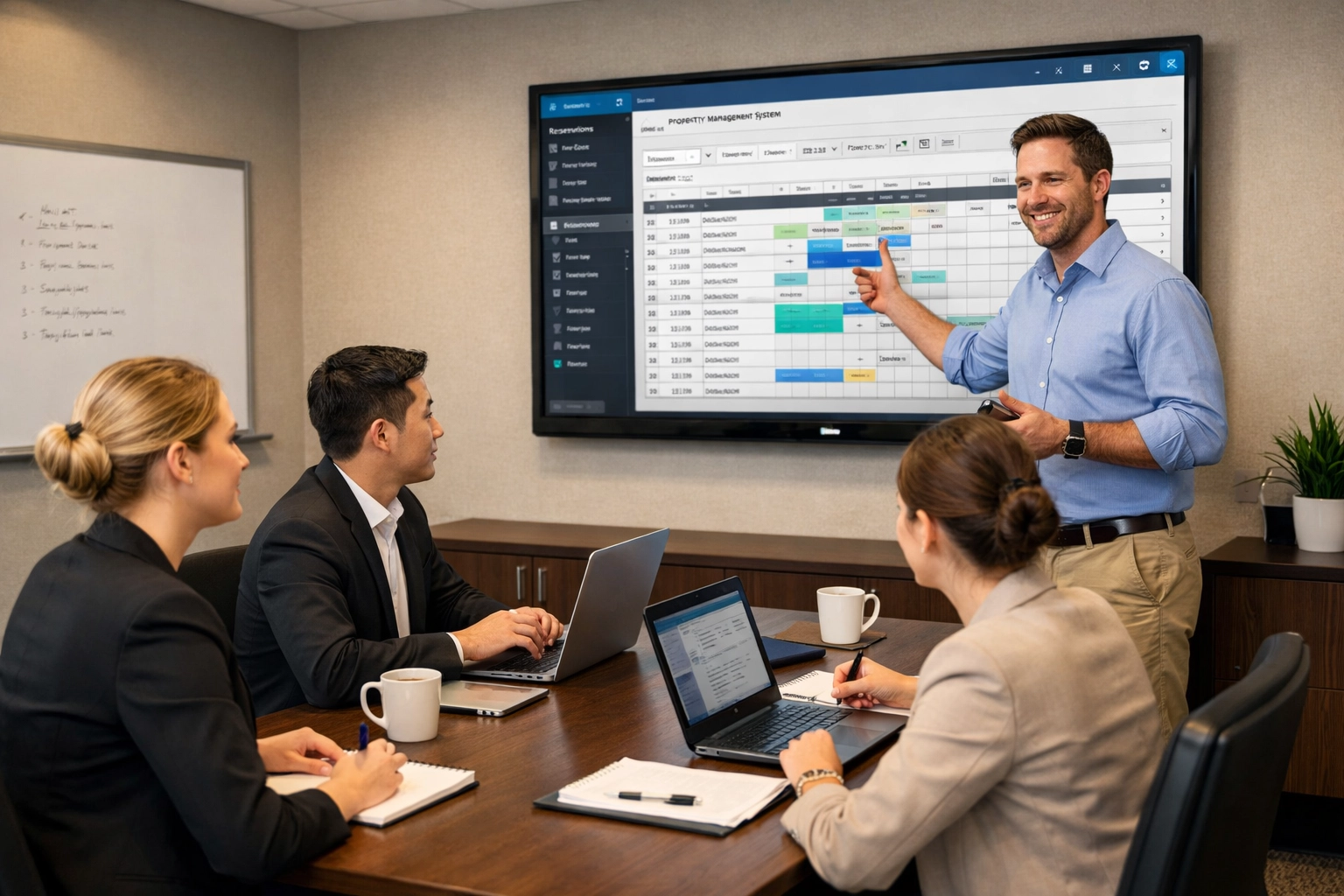
A new support relationship should begin with structured onboarding.
The provider needs to understand the property, systems, suppliers, network, users and operational priorities before they can support it effectively.
- Technology inventory.
- Network diagrams and key infrastructure.
- Administrator and supplier contacts.
- Critical systems and dependencies.
- Support escalation routes.
- Backup arrangements.
- Licensing.
- Known risks and outstanding issues.
- Operational priorities and peak periods.
A provider that wants to support the hotel properly should be interested in understanding how the property operates, not just installing monitoring software.
Questions to Ask Any Hotel IT Support Provider
You do not need to be technical to run a useful supplier evaluation.
- Which hotel and hospitality environments do you already support?
- What happens if a critical issue occurs outside normal business hours?
- Will you liaise directly with our PMS, EPOS, Wi-Fi and telephony suppliers?
- How do you prioritise an issue affecting reception or payments?
- What cyber-security controls are included?
- How do you manage patching and firmware updates?
- What is included in your monthly support fee?
- How is on-site support handled?
- How do you document our technology environment?
- How do you manage backups and test recovery?
- Who is responsible for our account day to day?
- What does onboarding involve?
- How do you support major technology projects and changes?
Red Flags to Look Out For
Specialist Support Should Reduce the Number of Problems the Hotel Has to Own
Ultimately, hotel management should not need to become the technical coordinator every time something goes wrong.
The support provider should take responsibility for the IT environment, understand where specialist suppliers fit into it and help drive incidents through to resolution.
That does not mean promising that nothing will ever fail.
It means having clear ownership, sensible escalation, good documentation and a team that understands the operational consequences when technology does fail.
Should You Use a Local MSP or a Hotel IT Specialist?
There is no rule that says a general managed service provider cannot support a hotel well.
What matters is whether the provider can demonstrate the capability the property requires.
For a small property with relatively simple technology, an experienced local MSP may be entirely appropriate. For a larger hotel, spa resort, multi-site group or technology-heavy operation, hospitality experience and supplier coordination can become increasingly valuable.
Ask what the provider will actually support, how they respond to hotel-critical incidents and whether they understand the systems and dependencies within your property.
The Bottom Line
Choosing hotel IT support should not come down to who offers the cheapest price per user.
A hotel relies on a connected technology environment spanning staff systems, guest services, networks, cyber security and specialist hospitality platforms.
The right IT partner should understand those dependencies, take ownership when problems cross supplier boundaries and structure support around the operational needs of the hotel.
Before signing a contract, make sure you understand exactly what is covered, how critical incidents are handled, who owns third-party coordination and how the provider will learn your environment.
Reviewing Your Hotel IT Support?
Hotel IT Company provides managed IT support for independent hotels, spa resorts and hospitality businesses across the UK, covering users, networks, cyber security and coordination with specialist technology suppliers.
Explore Managed Hotel IT Support
Leave a Reply